
9KBoss Payment Methods for Deposits and Withdrawals in India
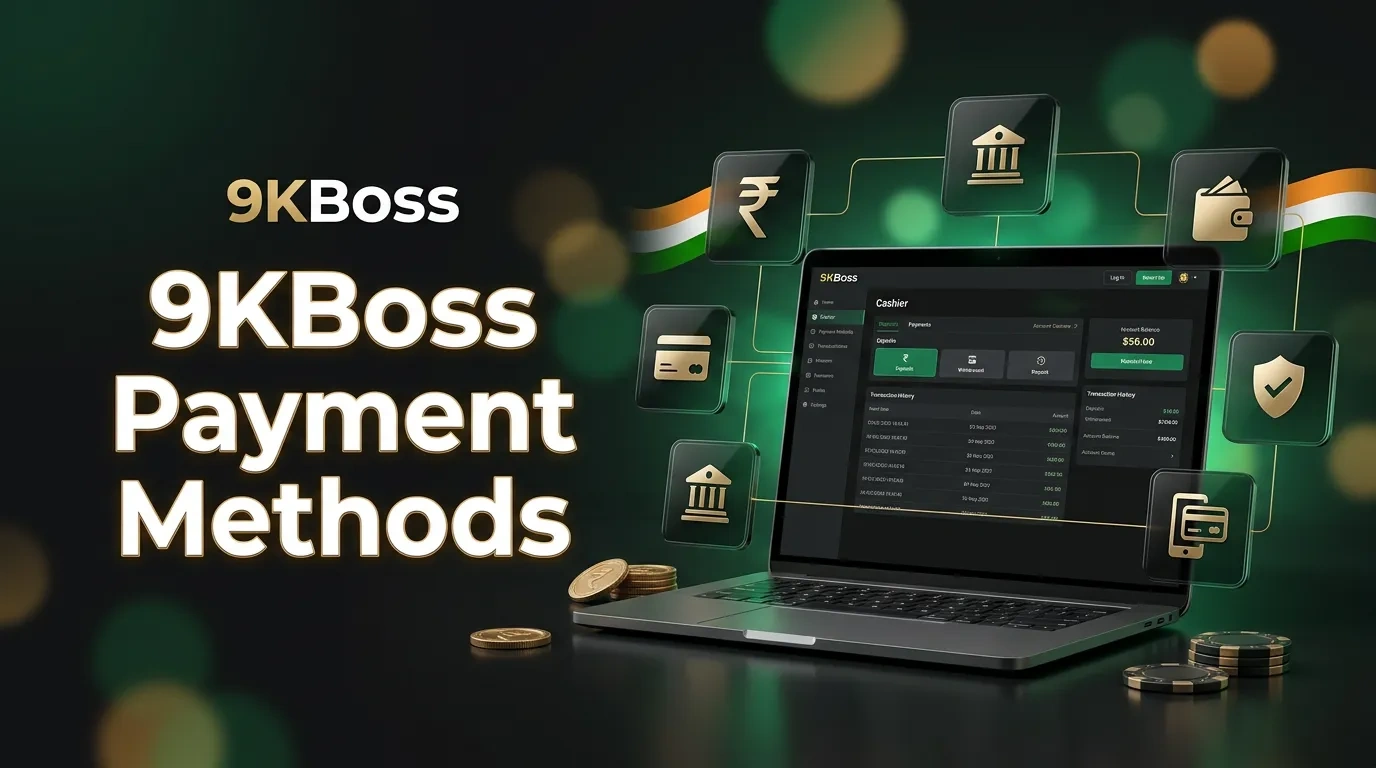
You can pay for 9KBoss using rupees or cryptocurrency. Payments are accepted through the website or the Android app. To add funds, select from UPI, Paytm, PhonePe, Net Banking, or a digital asset. Local users must deposit a minimum of ₹500. Withdrawal options vary based on the Cashier method selected. The account section displays transaction status, limits, and fees. Each user must complete KYC, verify ownership of the payment method, and fulfill any bonus requirements.
In this article
Deposit and Withdrawal Options
The Cashier displays the payment methods available for the active account and the selected currency. Each payment option includes specific limits, its own processing period, and its own withdrawal availability.
| Payment Method | Deposit Limit | Deposit Time | Withdrawal Limit | Withdrawal Time | Fee Information |
|---|---|---|---|---|---|
| UPI | ₹500–₹50,000 | Instant after confirmation | Up to ₹50,000 | 1–2 hours after approval | No fixed site fee published |
| Paytm | ₹500–₹50,000 | Instant after confirmation | Up to ₹50,000 | 1–2 hours after approval | No fixed site fee published |
| PhonePe | ₹500–₹50,000 | Instant after confirmation | Up to ₹50,000 | 1–2 hours after approval | No fixed site fee published |
| Net Banking | Current Cashier limit | Bank confirmation | Current Cashier limit | 1–2 business days after approval | Bank or Cashier fee shown prior to confirmation |
| Cryptocurrency | ₹2,000–₹200,000 | Network confirmation | Up to ₹200,000 | 15–45 minutes after approval | Network fee shown prior to transfer |
How to Deposit Indian Rupees
Indian bank apps and payment services connect local deposits to user accounts. UPI, Paytm, and PhonePe issue credit once they verify that the payment satisfies the required conditions.
The registered account holder must be the owner of the payment method. If another person deposits funds, staff may perform security checks. Staff may also refuse third-party deposits or impose limits on withdrawals.
- Log in to your account using the number or ID from registration, then enter your password.
- Open the Cashier, then navigate to the account menu. From the available options, choose Deposit.
- Select the currency. Consult the currency section for details. Examine the balance section.
- Select a payment method: UPI, Paytm, PhonePe, or Net Banking.
- Enter the amount. Review the Cashier to ensure the amount remains within the specified limits.
- Approve the UPI request, use wallet or bank transfer if needed, confirm payment, and then use the selected service.
- Record the transaction reference and UTR. Retain the payment ID. Include the bank confirmation.
- Return to the Cashier. Check the balance.
When depositing a check from a bank or payment service, the deposit might remain pending. Support staff can assist in locating your deposit. Share your account ID, payment amount, transaction time, method, and UTR.
UPI, Paytm and PhonePe Deposits
UPI and supported wallet apps connect the Cashier to an external payment screen. The user confirms the amount using a UPI PIN or required wallet control.
The service never asks for your UPI PIN in live chat, email, Telegram, or through a support form. If the payment window closes and the request expires, you can make a new request in Cashier.
The transaction history has four labels: Pending, Completed, Failed, and Reversed. After users attempt to pay, they see the status in this section.
Net Banking Deposits
Net Banking allows users to transfer funds through banks available in the Cashier. On the payment page, users select their preferred bank. They then log in to their bank account, provide a one-time password, and either add a reference or confirm the transfer.
The Cashier shows the account limit before any deposit. Review the payment instructions, which specify the required amount. Send that exact sum.
How to Deposit Cryptocurrency
The cryptocurrency section shows a wallet address and indicates the network for each asset. Users may choose from Bitcoin, Ethereum, Tether, USD Coin, Binance Coin, TRON, Litecoin, Dogecoin, or XRP.
The Active Cashier displays your assets and the minimum required amount. To deposit cryptocurrency, choose the coin, wallet address, and network, then follow the payment request.
- Open the Cashier. Select the Deposit option. Then choose a cryptocurrency.
- Select the asset, then choose the coin. After that, choose the network displayed in the account.
- Enter the amount. Keep the payment within the displayed limit. Maintain the active asset minimum.
- Copy the wallet transaction address. Use the generated QR code if needed.
- Open the wallet. Choose Send or Withdraw. Select the same asset and ensure the network matches.
- Enter the payment details. Review the wallet address carefully. Confirm that the first and last characters match the required values.
- Review the network fee. Examine the final amount before giving approval. Confirm the transfer.
- First, locate the transaction hash, then access the blockchain explorer to track the transaction's progress.
The account balance updates when the network confirms the transaction, but if less than the minimum asset requirement is transferred, the system may not credit it and support may need to review the transfer.
If users select the wrong network, they risk losing their funds. Users need to copy both the wallet address and the network. The details must match those shown in the deposit request.
How to Withdraw Indian Rupees
A ₹ withdrawal transfers the cash balance to the user's chosen payment method in the Cashier after the team verifies KYC, confirms the payment method matches the user's identity, and ensures the account has no restrictions.
The service may require an extra security check when a user logs in from a new device, updates account information, or shows unusual activity. UPI, Paytm, PhonePe, and Net Banking are available only if these options are enabled on the account.
- Verify your account by confirming your identity, entering your age and address, and providing payment details.
- Open the Cashier. Navigate to the account menu. Then, select Withdrawal.
- Select ₹. Then choose a payment method from the available options.
- Enter the amount. Confirm that the amount does not exceed account limits or the available cash balance.
- Enter your payment details by providing your UPI ID, wallet number, or bank account, and select your preferred option.
- Review the information provided. Verify the name on the account. Ensure the amount is correct. Ensure the intended destination is correct.
- Submit the request. Complete the one-time code. Complete the requested security confirmation.
- Check status anytime and review transaction history; the system shows each approval and payment stage.
A withdrawal request does not convert bonus funds into withdrawable cash. The account must meet the active promotion terms. Support can explain the current status of the account, but cannot remove a valid wagering requirement.
Bank and UPI Details
To withdraw using UPI, a person might be asked for the UPI ID and the name given at registration. For a bank transfer, the process can require the account holder's name, account number, bank name, and IFSC code.
Users should review every field prior to submission: an incorrect UPI ID or bank number can cause rejection or delay of funds. Account-detail changes can trigger another ownership check.
Payment details must belong to the registered account holder. Using another person's payment information can result in a verification request or lead to a withdrawal rejection.
How to Withdraw Cryptocurrency
During cryptocurrency withdrawal, the user transfers a cash balance to an external wallet. The Cashier displays available assets, networks, withdrawal limits, and indicates the applicable network charge.
Users need a wallet that supports their chosen coin and is compatible with the transaction network.
- Sign in to your account. Navigate to the Cashier section. Click on Withdrawal. Pick the cryptocurrency you wish to use.
- First, select the asset. Next, choose the network. Confirm both correspond to the information in the receiving wallet.
- Enter the wallet address, then compare its first and last characters with those of the receiving account.
- Enter the amount. Make sure it stays within the limit and does not go over your available cash balance.
- First, check the network fee. Next, review the final amount that the wallet receives.
- Receive the request. Enter the password or code to proceed. Finish the verification.
- Check the processing status as needed. To review the account, examine the transaction history.
- After the Cashier releases the transfer, obtain the transaction hash. Use this hash to verify the transaction on the blockchain.
Blockchain congestion can delay transaction confirmations. After the release, users might experience a waiting period.
A confirmed blockchain transaction cannot be reversed. Support cannot retrieve funds sent to an incorrect address or through an unsupported network. Before using a new wallet, send a test transfer to ensure proper setup. Check the minimum transaction limit before moving funds.
Verification, Limits and Fees
KYC verifies the account holder's identity. Staff may request documents. Applicants might need to provide Aadhaar, PAN, passport, driving licence, proof of address, a selfie, or proof of payment.
Go to the account section, locate the verification documents area, and upload images showing all corners of each document. Ensure your personal details and account name match those already provided and the name used for withdrawals.
Staff reject documents with edits, expired dates, false information, or payment methods belonging to others. Before completing the transaction, the Cashier displays both the transaction limit and the fee.
Banks and payment services apply their own charges. The site does not display a fee for local payment methods. Cryptocurrency transfers require a blockchain network fee.
Bonus conditions may block withdrawals, as can incomplete wagering, bets above the allowed stake, or pending bets. An expired KYC status may also prevent withdrawals. Users should check their cash balance separately from active promotions.
Rupee and Cryptocurrency Comparison
Local and cryptocurrency transactions need payment details and rely on settlement systems. Users select a payment method according to available Cashier options, their account limits, and applicable legal requirements. They must also confirm their ability to process wallet transfers.
| Feature | Rupee Methods | Cryptocurrency |
|---|---|---|
| Deposit details | UPI request, wallet instruction or bank transfer | Coin, network, wallet address and transaction hash |
| Main error risk | Incorrect UPI ID, bank details or payment reference | Incorrect address, asset or network |
| Fee source | Bank, wallet or Cashier notice | Cashier notice and blockchain network fee |
| Reversibility | A provider can reverse some failed transfers | Confirmed blockchain transfers are irreversible |
Pending or Failed Transactions
The transaction history shows each transaction's status,pending, completed, failed, rejected, cancelled, or reversed,reflecting its stage or result.
Check the Cashier history and review the payment record before contacting support.
- Pending means the bank, blockchain network or account check remains open;
- Completed means the service recorded the deposit or released the withdrawal;
- Failed means the payment service did not confirm the transfer;
- Rejected means a limit, KYC rule, bonus condition, ownership issue or security check blocked the request;
- Cancelled means the user or service closed the request prior to processing;
- Reversed means the payment provider returned the amount after an unsuccessful transfer.
Support may ask for information like account ID, payment method, amount, currency, date, time, transaction ID, UTR, or blockchain hash. Users can include a screenshot to help clarify the issue. They should ensure that passwords, one-time codes, card numbers, and personal information are not visible.
Availability in India
The Promotion and Regulation of Online Gaming Act, 2025 prohibits online money games in India. The Rules will come into force on 1 May 2026. Under these rules, individuals may not participate in online money games, assist others in joining, promote such games, or process related payments.
People in India must comply with the law and cannot deposit or withdraw money from online money games prohibited by regulations. Using foreign licenses, payment pages, instructions, or transactions does not change these legal restrictions.
Only lawfully classified services are accessible, and accessibility is under the national framework. Services must be lawfully classified.
Frequently Asked Questions
What is the minimum 9KBoss deposit in India?
The person selects a payment method. The Cashier displays the deposit amount for each available option.
How long does a withdrawal take?
Processing times vary based on the method chosen by the user. The Cashier shows the processing period for each option before the user submits a withdrawal request.
Does the Cashier charge payment fees?
The published information excludes site fees for methods; banks, wallets, and blockchain networks may charge their own fees, which users can view before confirming.
Why does a withdrawal remain pending?
Staff may pause a request to review KYC documents, verify payment method ownership, examine bonus rules, and assess account security, sometimes waiting for bank or blockchain processing. The transaction history shows the current status.