
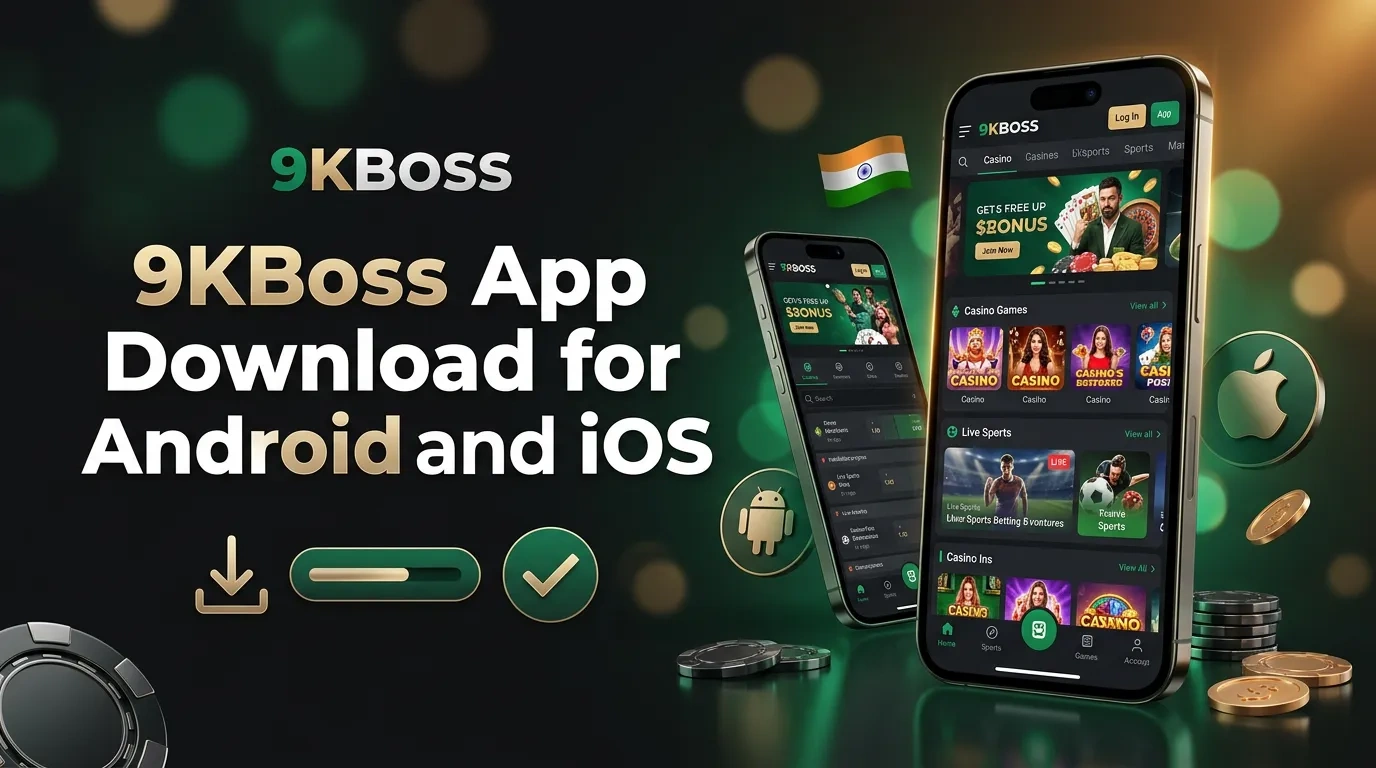
9KBoss App Download for Android and Mobile Access on iOS in India
The 9KBoss app features more than 3,000 casino games, options for sports betting, INR payment support, various promotions, KYC procedures, and account settings. Android users install the app by downloading an APK file directly from the website. Those with iPhones or iPads access the site in Safari and add a shortcut to their home screen. Both the app and the mobile site use the same account and share the same balance. Before beginning any real-money activity, users need to enable gaming controls.
In this article
Mobile Formats and Technical Specifications
Android users download an installation package, while iOS users access the site via browser. One account lets users enter the casino catalogue, view the sports schedule, use the Cashier, and access Promotions, Profile, and Support.
Before installing the software, review the version, file size, operating system requirements, and source. Updates may alter the package size and version.
| Mobile detail | Current specification |
|---|---|
| Download price | No charge |
| Android package | APK |
| Published version | 1 0 9 |
| Approximate file size | 1,8 MB |
| Minimum Android version | Android 5 |
| iPhone and iPad format | Responsive website and home-screen shortcut |
| Native iOS or IPA file | Unavailable |
| Account credentials | Mobile number or account ID and password |
| Languages | English and Hindi |
| Main sections | Casino, Sports, Promotions, Cashier, Profile, and Support |
| Internet connection | Mobile data or Wi-Fi |
Download the Android APK
Start the Android download in a browser on the target device. The package does not create a second account or a second balance, and existing credentials remain valid after installation.
Check the domain and file details before you open the package. On the website, go to the mobile section and follow the steps listed there.
- Open the website. Use a supported browser on the Android phone or tablet;
- Find the download section. Select the Android APK option from the menu or footer;
- Start the file request. Confirm the download and wait for the package to finish;
- Inspect the details. Compare the file name, version, size, and source with the download page;
- Launch the package. Use the download notification or the device Downloads folder.
Files from ads, private messages, copied domains, unofficial stores, or altered websites can pose security risks. Uninstall any package that requests permissions, warns about its source, or displays a mismatched application name.
Complete APK Installation
By default, Android blocks users from installing packages they download through a browser. When someone opens an APK, the device asks them to give the browser or file manager permission to install it.
Verify the app name. Read the permission screen carefully before granting access. Once setup is complete, return to your previous security setting.
- Open security settings. Find Install Unknown Apps or the related application-permission menu;
- Select the download source. Choose the browser or file manager that holds the APK;
- Allow installation. Activate permission for the selected source;
- Return to Downloads. Open the checked APK package;
- Confirm setup. Read the displayed application information and start installation;
- Launch the application. Use the new icon in the app list or on the home screen;
- Restore device protection. Disable installation permission for the browser or file manager.
Installation errors may result from limited storage space, an incompatible Android version, conflicting files, or an incomplete package. Remove any existing copies, then download the package again from the appropriate section.
Add Mobile Access on iPhone and iPad
Safari operates via a website and does not offer an iOS app. Users can add a home screen shortcut, but this only opens a browser page and does not provide an IPA package.
iOS users can check login details, view balances, manage games and bets, handle payments, access promotions, and use support tools in Safari.
- Open Safari. Enter the official website address directly;
- Check the page. Confirm the correct domain and secure connection;
- Tap Share. Tap the square icon with the upward arrow;
- Select Add to Home Screen. Set the shortcut name shown under the icon;
- Save the shortcut. Tap Add and open it from the home screen.
Safari permissions, browser data, and cookie settings all influence the way this format operates. Each section of the shortcut requires an internet connection.
Casino Games on Mobile Devices
The mobile casino has more than 3,000 games, including slots, live dealer tables, poker, fishing games, and instant games. Users can search the catalogue, choose a category, filter by supplier, or mark games as favourites.
The supplier keeps a record of each round. To start a dispute, send the game name, round ID, stake, date, and time.
Slots and Instant Games
Mobile slots tailor reel controls to fit your screen. Games like Starburst, Fruit Bonanza, 777 Fire Strike, and Book of Dead use this arrangement. Each title has a distinct paytable, specific stake limits, distinct volatility, its own RTP, and individual features.
Aviator, Mines, Plinko, Dice, Chicken Road, and Vortex are games. In each one, players interact with multipliers, grids, or targets.
The mobile interface includes both catalogue controls and round controls. The game supplier chooses their placement on the screen.
- search by game title or software studio;
- inspect the stake range and paytable;
- switch between portrait and landscape orientation;
- adjust sound and animation settings;
- save selected games in Favourites;
- open round history from the account section.
Promotional spins are not the same as an internal slot feature. The Promotions card displays the value, names the eligible game, specifies the wagering requirement, and notes the expiration date.
Live Tables, Cards and Fishing Titles
Players choose from blackjack, roulette, baccarat, Dragon Tiger, Andar Bahar, Teen Patti, and Sic Bo. The live lobby includes over 125 tables. Dealers host games in a variety of studio formats. Each table card displays the stake range, language, speed, and current round stage.
In portrait mode, the controls appear below the video. The stream expands to cover a larger area in landscape mode. Live video consumes more data than slot pages or account pages. A stable Wi-Fi or mobile connection reduces visual interruptions, but connection quality does not affect the official supplier result.
Mega Fishing, Jackpot Fishing, and Ocean King Jackpot feature arcade-style touch controls. The card section offers Rummy, Texas Hold'em, and Omaha. Each game sets its own hand rankings, entry amounts, table fees, and settlement rules.
Sports Betting from a Phone
The Sports section shows upcoming events in cricket, football, tennis, basketball, kabaddi, esports, and other sports. This area covers both pre-match events and live games. In My Bets, you can view bets that are active, settled, cancelled, or void.
Cricket coverage spans international matches, domestic events, and T20 tournaments. Bettors can choose from more than just fixture winner picks. Options include innings totals, player runs, wickets, partnerships, overs, and specific live outcomes. Football pages present results, totals, handicaps, both teams to score, corners, cards, and player options.
Rules for cricket matches, abandoned games, tennis retirements, postponements, overtime, and data updates vary by sport. Before confirming a stake, users should review the settlement note.
Mobile Bet Slip
The bet slip is located in the lower navigation area. A single bet includes one selection. A multiple bet consists of several selections for one potential return. System combinations break selections into smaller groups.
Prices may change after you make your selection. Before confirming, review the event, betting market, stake, odds, and potential return.
The potential-return number indicates what someone could receive if all selections meet the specified rules. This figure does not ensure payment and does not forecast results.
Live Betting Markets and Esports
Traders adjust prices as they receive new information. Each goal, wicket, or point causes live prices to shift. When the event confirms an outcome, the site closes certain betting markets. My Bets holds the odds from the moment you placed your bet.
Esports pages display tournaments and series for Counter-Strike 2, Dota 2, League of Legends, Valorant, Mobile Legends, and certain fixtures. Betting markets update daily, and available betting options may change along with the schedule.
Live odds indicate possible outcomes, but they do not ensure any result. Create a stake plan and set limits. By following these steps, you can make decisions as prices shift.
Mobile Bonuses and VIP Rewards
Users visit the Promotions section to view campaigns linked to their profiles. Each card displays the deposit amount, eligible games, minimum stake, required turnover, and expiration date. They review their eligibility and activate offers on their phones. Users can also monitor their wagering progress and see the collection deadline.
The application sorts offers into four categories: active, completed, collected, or expired. When a user pays but does not activate the offer, the system leaves it out of the promotion.
New-Account Package
The welcome package includes up to ₹10,000 and 600 spins. Bonus funds and any winnings from spins remain separate from the cash balance. Players need to meet distinct wagering requirements for each before making a withdrawal.
Before making your first qualifying deposit, open the offer card. Confirm the required minimum payment. Find the bonus percentage and note the maximum reward available. Check which games are eligible for this offer. Review how much each game contributes and the stake amounts required. Look at the offer's expiration date.
A promo-code field appears during sign-up or when users add funds, allowing them to enter a code if prompted by the site. However, the reward is not granted if the code is expired, the payment method is ineligible, or the amount sent is insufficient, even if the code is entered.
Recurring Promotions
Account holders may receive offers for depositing funds, playing games, completing tasks, referring others, signing in, or reaching VIP status, each with its own maximum limit.
- Aviator rewards reach up to ₹5,000 under the active campaign;
- recharge bonuses reach up to 20% with a ₹10,000 cap;
- Lucky Wheel prizes range from ₹50 to ₹10,000;
- daily sign-in credits range from ₹20 to ₹1,000;
- referral rewards reach up to ₹500 after completion of every condition;
- VIP cashback and monthly rewards use account-specific limits.
VIP levels depend on eligible activity during the qualification period. Payment limits, wagering controls, and gaming controls are not affected by VIP status. Users must still complete KYC requirements.
Mobile Registration, Login and KYC
Applicants must meet the age requirement and supply the necessary information. The form requests an Indian mobile number. Applicants enter this number, then provide a one-time code and a password. When prompted, the form also asks for an email address.
The fields are in the same order as on the registration page. Each person needs to create a profile.
- Open Sign Up. Use the application start screen or mobile website menu;
- Enter the mobile number. Use an active Indian number that receives text messages;
- Confirm the OTP. Type the current one-time value in the displayed field;
- Create login details. Add the requested email address and a private password;
- Check the promotion field. Use XXXXX only under an active offer instruction;
- Accept the policies. Confirm the age requirement, Terms and Conditions, Privacy Policy, and responsible gaming notice;
- Complete the profile. Check each field and submit the form.
Once you sign in, you will see options for Casino, Sports, Promotions, Cashier, Profile, and Support. To access these options, users must pass KYC, complete required checks, and follow rules. The account operates in INR.
Login and Password Recovery
Enter your mobile number or account ID, then type your password. If you use a new device or enter the wrong password several times, the system may ask for a code.
When you use Forgot Password, the system sends a code to your contact. If you changed your number or lost access to your email, Support can help.
Verification Through a Phone
Go to the Profile section to upload KYC documents. You can take photos or select files from your device. Staff check your identity, age, and address. Staff may ask for a selfie and proof of payment method. Accepted documents include Aadhaar, PAN, passport, or driving licence.
Staff reject documents that are expired, incomplete, edited, or blurred. Each image must display all details and include every corner. The registered name must match the identity record and the withdrawal destination.
KYC approval determines your payment limits, bonus conditions, and legal status. You can check your status in the Profile section or by contacting support. Processing time depends on your image quality and how quickly the security team completes their checks.
Deposits and Withdrawals in the App
The mobile Cashier presents payment options, including UPI, Paytm, PhonePe, Net Banking, and selected cryptocurrencies. It also shows limits, instructions, fees, and your transaction history.
Choose payment methods that display the account holder's name. Delays can happen because of KYC checks, payment ownership verification, security reviews, or wagering requirements.
| Payment method | Deposit range | Deposit time | Withdrawal limit | Withdrawal time |
|---|---|---|---|---|
| UPI | ₹500–₹50,000 | Instant after confirmation | Up to ₹50,000 | 1–2 hours after approval |
| Paytm | ₹500–₹50,000 | Instant after confirmation | Up to ₹50,000 | 1–2 hours after approval |
| PhonePe | ₹500–₹50,000 | Instant after confirmation | Up to ₹50,000 | 1–2 hours after approval |
| Net Banking | Current Cashier limit | Bank confirmation | Current Cashier limit | 1–2 business days after approval |
| Cryptocurrency | ₹2,000–₹200,000 | Network confirmation | Up to ₹200,000 | 15–45 minutes after approval |
Mobile Security and Responsible Use
Set a screen lock and password to protect your mobile account. Keep your operating system up to date by installing updates regularly. Connect only to networks you trust. Do not install APK files. Refrain from saving your credentials in browsers. Support staff will never request your password, OTP, UPI PIN, recovery key, or seed phrase.
Deposit limits, session controls, reality reminders, cooling-off measures, and self-exclusion apply across supported devices. Account history is available across supported devices. Mobile notifications should not change a spending plan, and promotional notifications should be removed if a person chooses to take a break.
Some people avoid unsecured Wi-Fi networks and download apps only from trusted sources. Many set strong passwords, enable device encryption to protect their data, install updates regularly, and use two-factor authentication.
- activate a screen lock and biometric access where supported;
- keep Android, iOS, browsers, and the APK current;
- inspect recent sessions after an unknown login alert;
- log out from all devices after suspicious activity;
- remove stored payment details from shared devices;
- contact support for cooling-off or self-exclusion.
Avoid gambling with borrowed money. Do not use funds set aside for expenses, bills, education, or debt payments. If your spending exceeds your planned limit, stop playing and consider seeking help.
Support and Availability in India
Live chat operates around the clock. Support staff respond to questions on APK installation, logins, KYC, payments, promotions, game rounds, betting settlement, security, and gaming. In the contact section, users find the form. They can also access the FAQ or follow a link to the Telegram channel.
A request contains the account ID, device model, operating-system version, application version, and the time. It also provides the error message, along with any relevant transaction, bet, or round reference. Screenshots included in the request should hide passwords and one-time codes.
Support provides status updates and requests any missing information. Agents do not alter valid supplier results, bypass verification, or remove active wagering rules. They do not authorise prohibited activity.
Saving an iOS shortcut or installing an APK does not provide legal permission to gamble with real money. The service holds a licence from Curaçao, but this licence is valid only within Curaçao. In India, local laws determine who may participate in gambling activities.
The related Rules took effect on 1 May 2026. The Promotion and Regulation of Online Gaming Act, 2025 prohibits online money games.
Frequently Asked Questions
What Android version supports the 9KBoss app?
The current download page displays the version and sets a limit on package size. It also lists the requirements: your device must run Android 5.0 or higher.
Does 9KBoss provide a native iOS application?
The information provided does not reference an IPA file. Users with iPhones or iPads access the site using Safari.
Are the same casino games available on mobile?
The active catalogue includes more than 3,000 slots. It also offers live tables, card games, fishing games, and instant games.
Which mobile welcome promotion is published?
Users may receive up to ₹10,000 and 600 spins in Promotions by meeting requirements for deposit, wagering, game selection, stake amount, and expiry period.
Does one account work on every supported device?
Users sign in with the same mobile number or account ID and password. This method works on Android devices, iOS browsers, mobile browsers, and desktop.
Does Indian law permit real-money mobile gambling?
Starting 1 May 2026, Indian national law will ban online money games. The ban will block access through APK files, browser shortcuts, and foreign licenses. This restriction will stay in place.